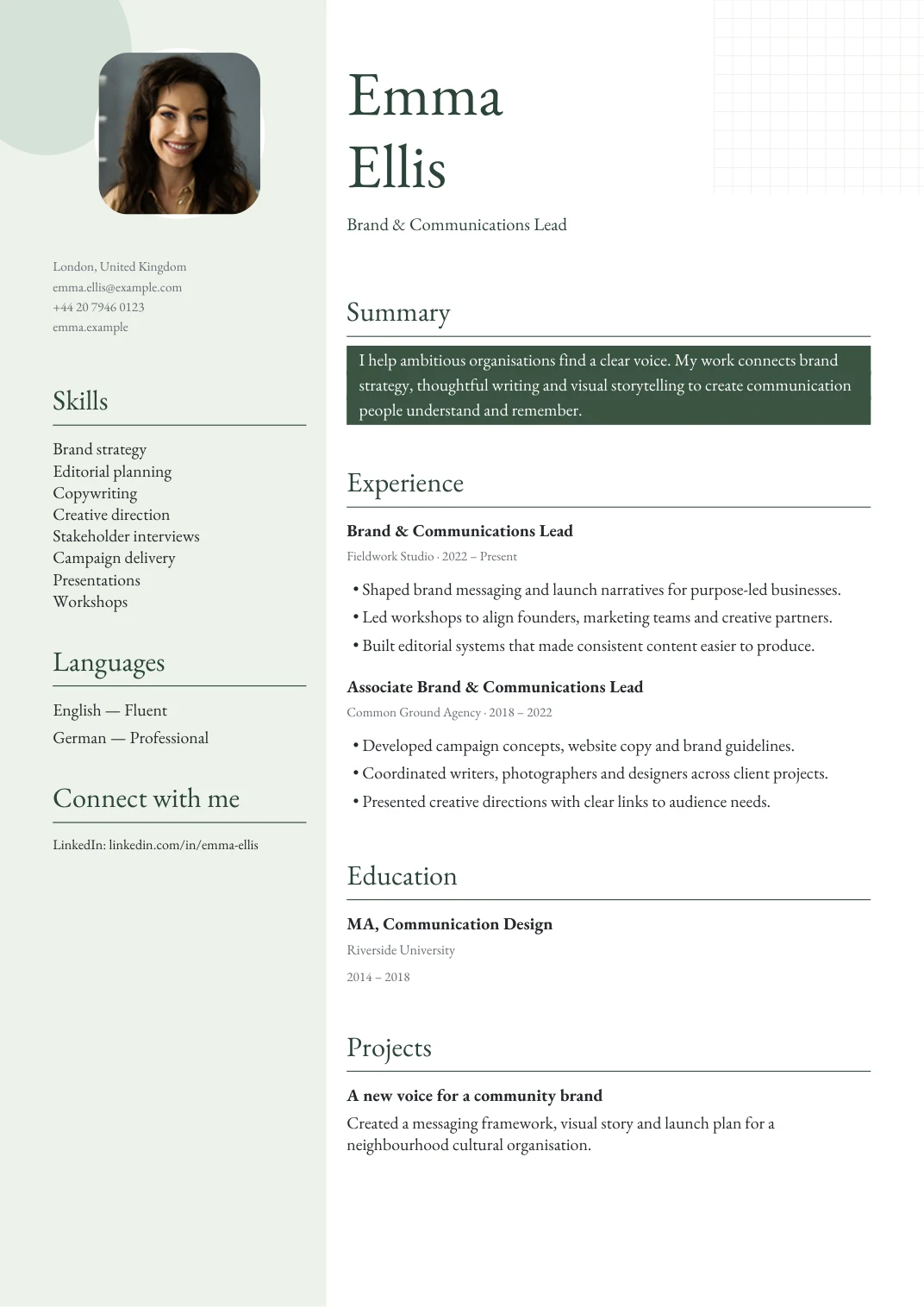
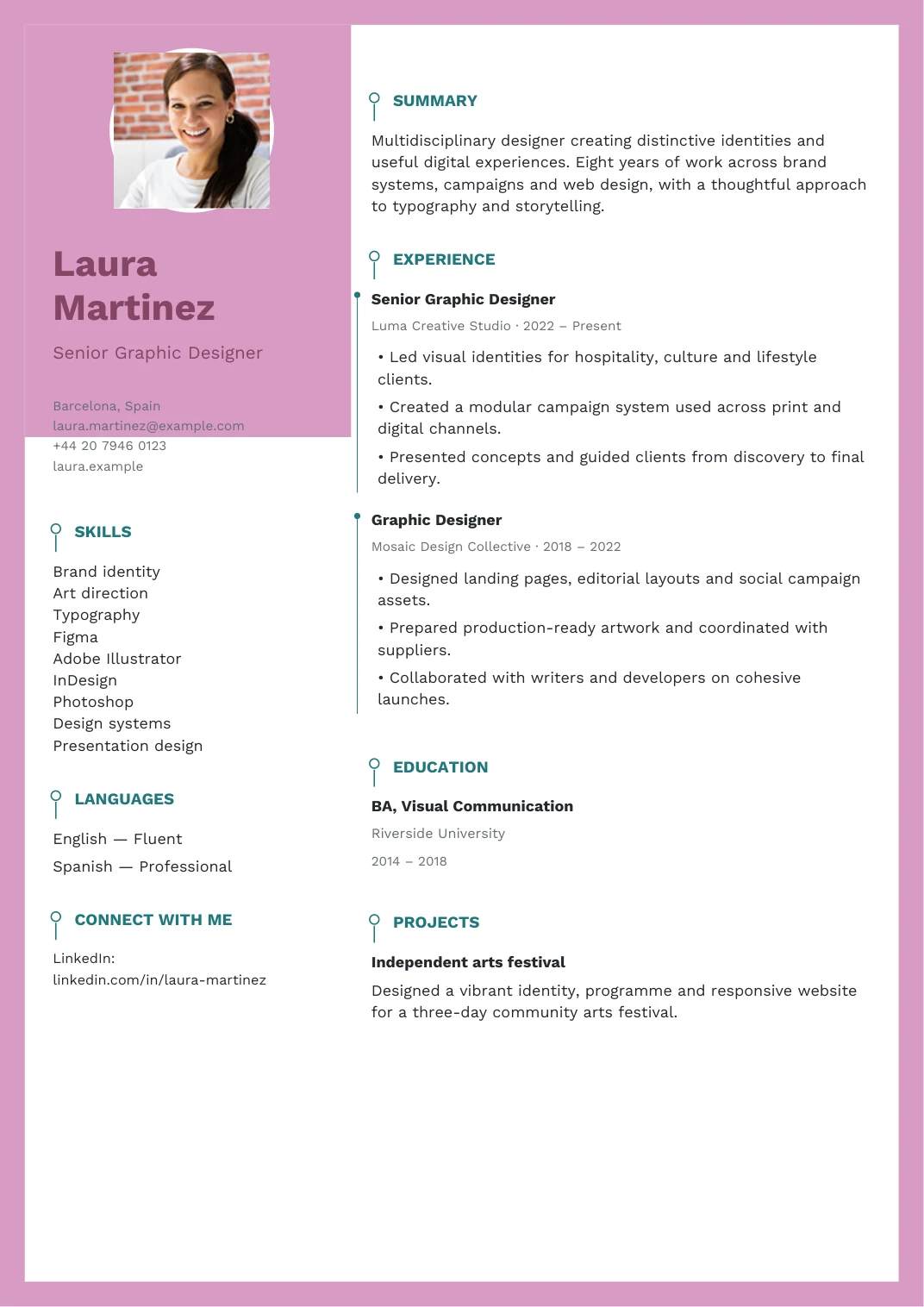
20 free CV templates. Yours to make.
Free CV Builder with ATS Checker — No Account Needed.
Your next job, a few steps away.

Ready for your next chapter.
EXPLORE YOUR NEXT CAREER MOVE
What can you do with Best CV Tool?
FIND YOUR FIELD. MAKE IT YOUR OWN.
Free ATS-friendly CV templates by job and layout
Best CV Tool is a free CV builder with 20 ATS-friendly templates. Build your CV in the browser, download it as a text-based PDF in A4 or US Letter, score it out of 100 with the ATS checker, translate it into 11 languages and search live jobs. No account is needed.
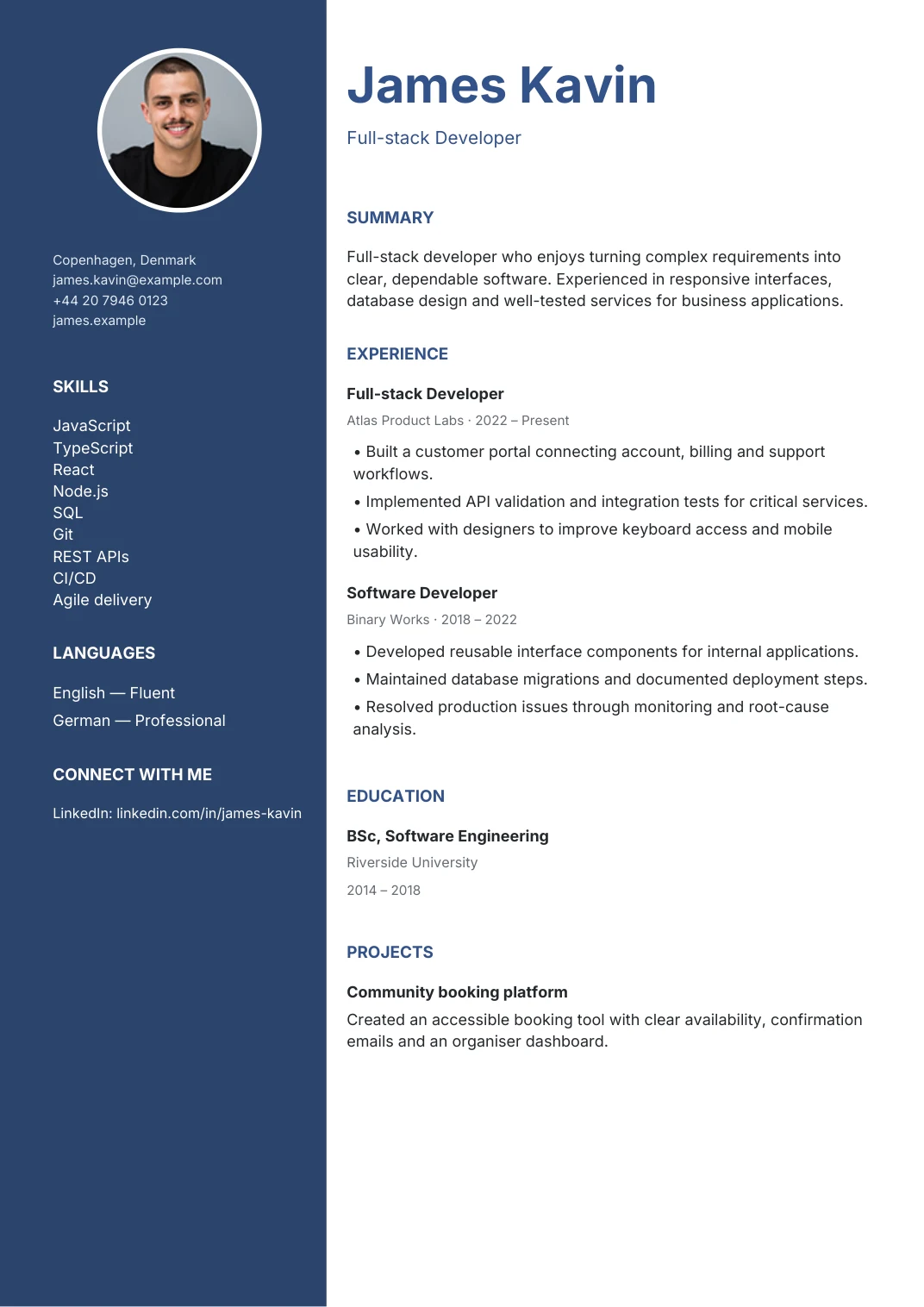
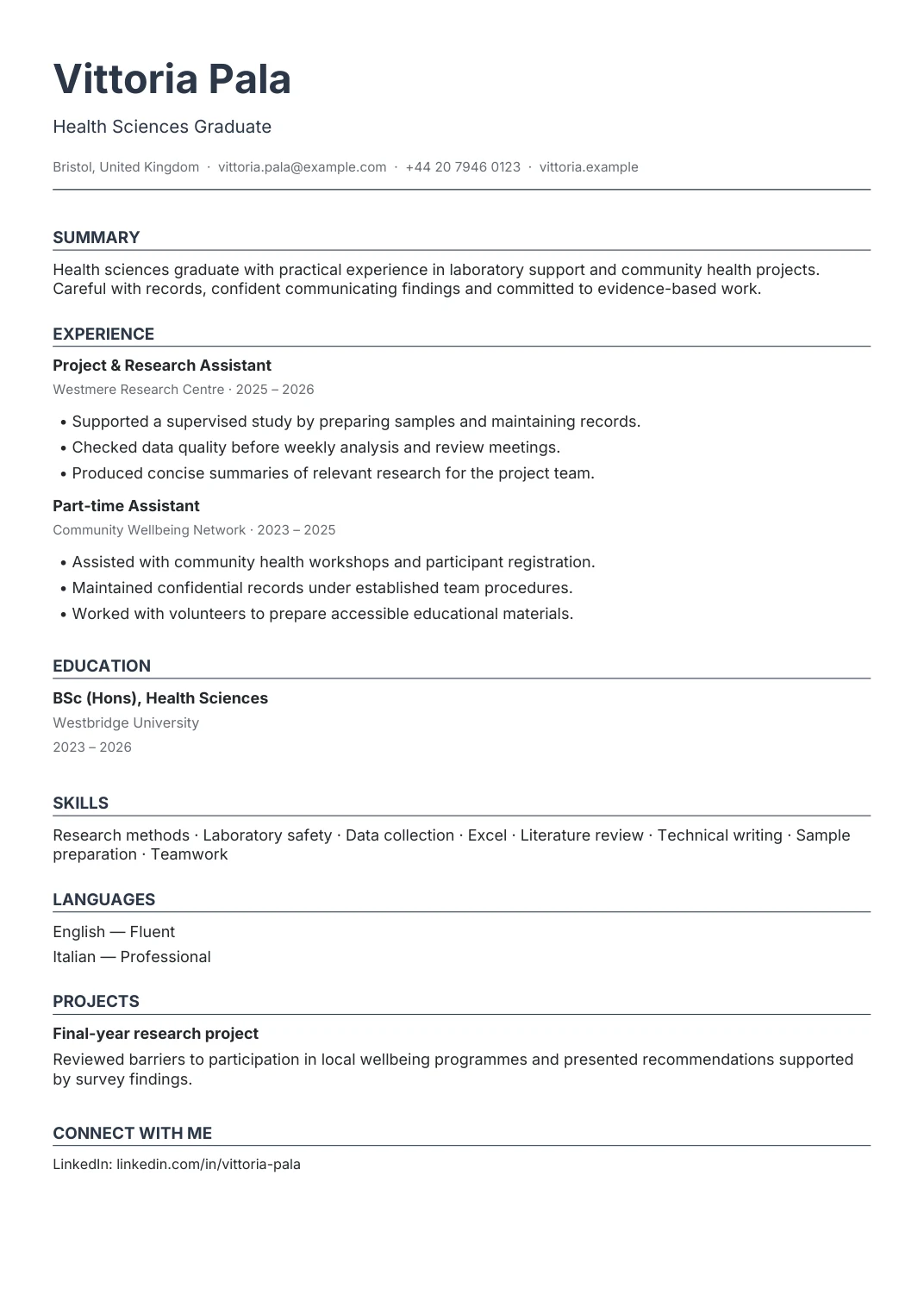
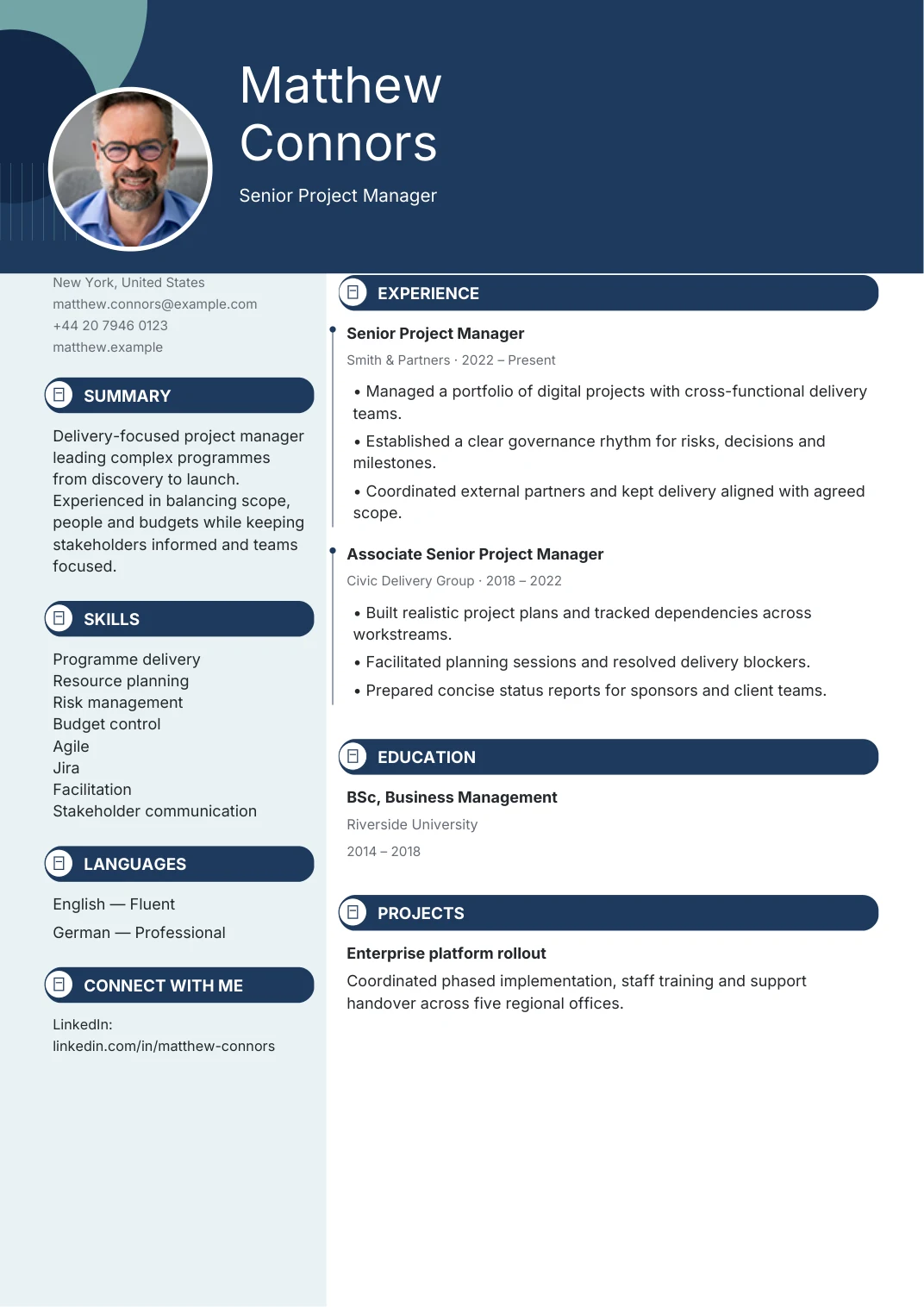
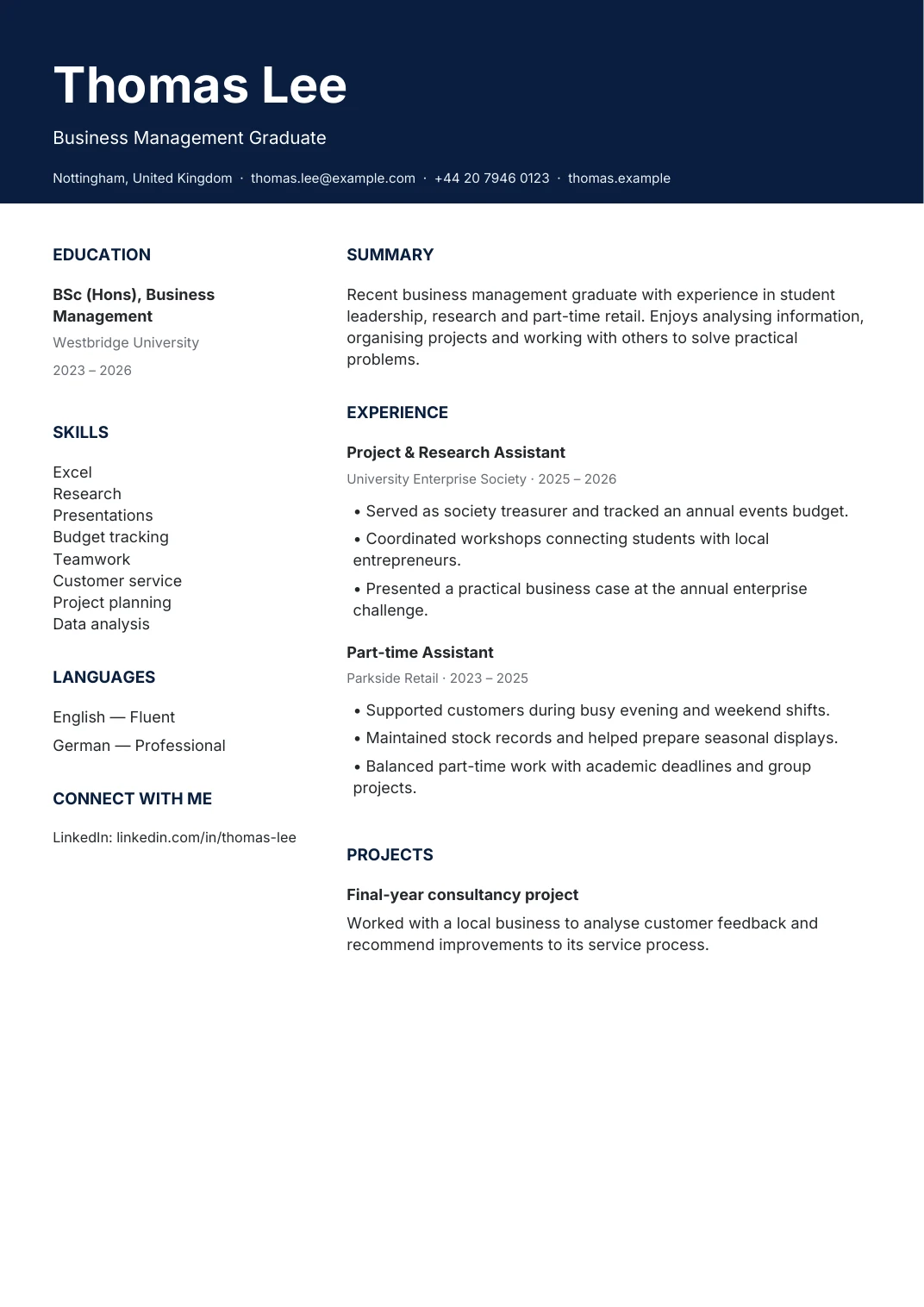
Selectable text and familiar headings
Flexible colours, fonts and layouts
A4 or US Letter PDF downloads
SMALL DETAILS. A BIG DIFFERENCE.
Why build your CV with Best CV Tool?
Spend your time on what makes you right for the role. We’ll make the writing, layout and finishing touches easier to manage.
Create my CV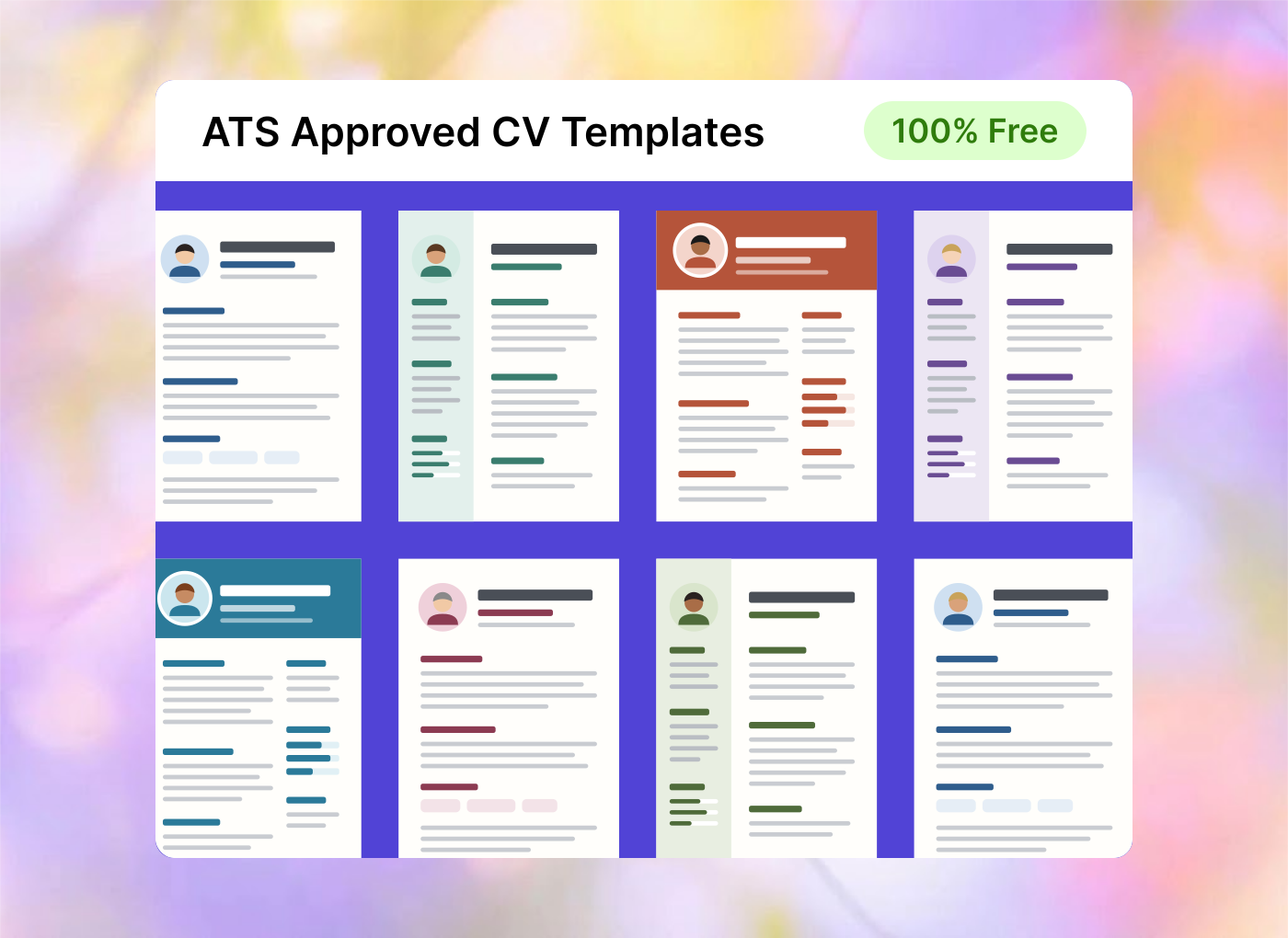
01 / BUILT FOR FASTER HIRING
ATS-friendly resumes.
Familiar headings, clear structure and selectable PDF text help application systems and hiring teams read your experience.
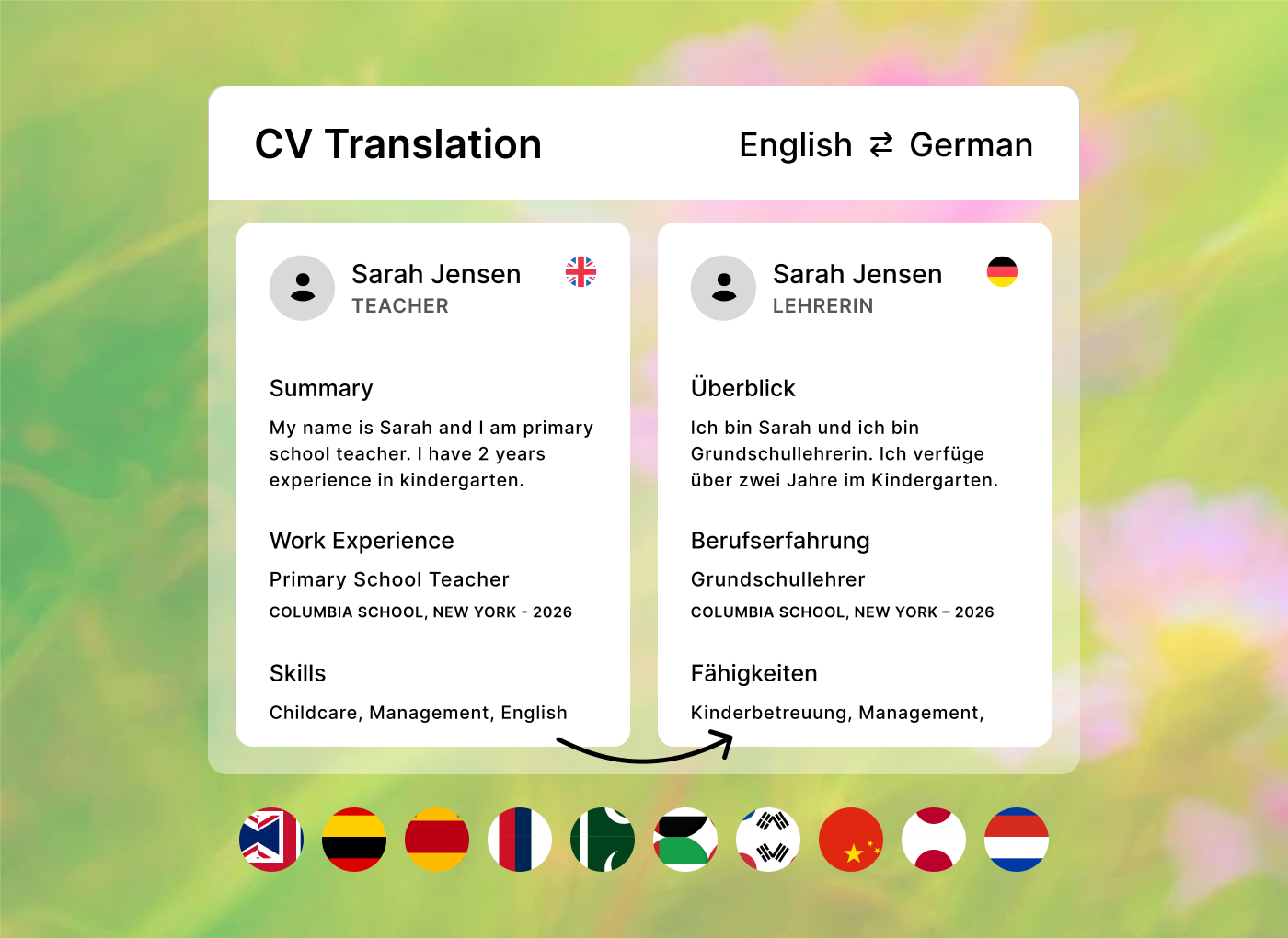
02 / YOUR MULTILANGUAGE STORY
Your story in all languages.
Show the languages you speak, add proficiency levels and write your CV in the language your next role needs.
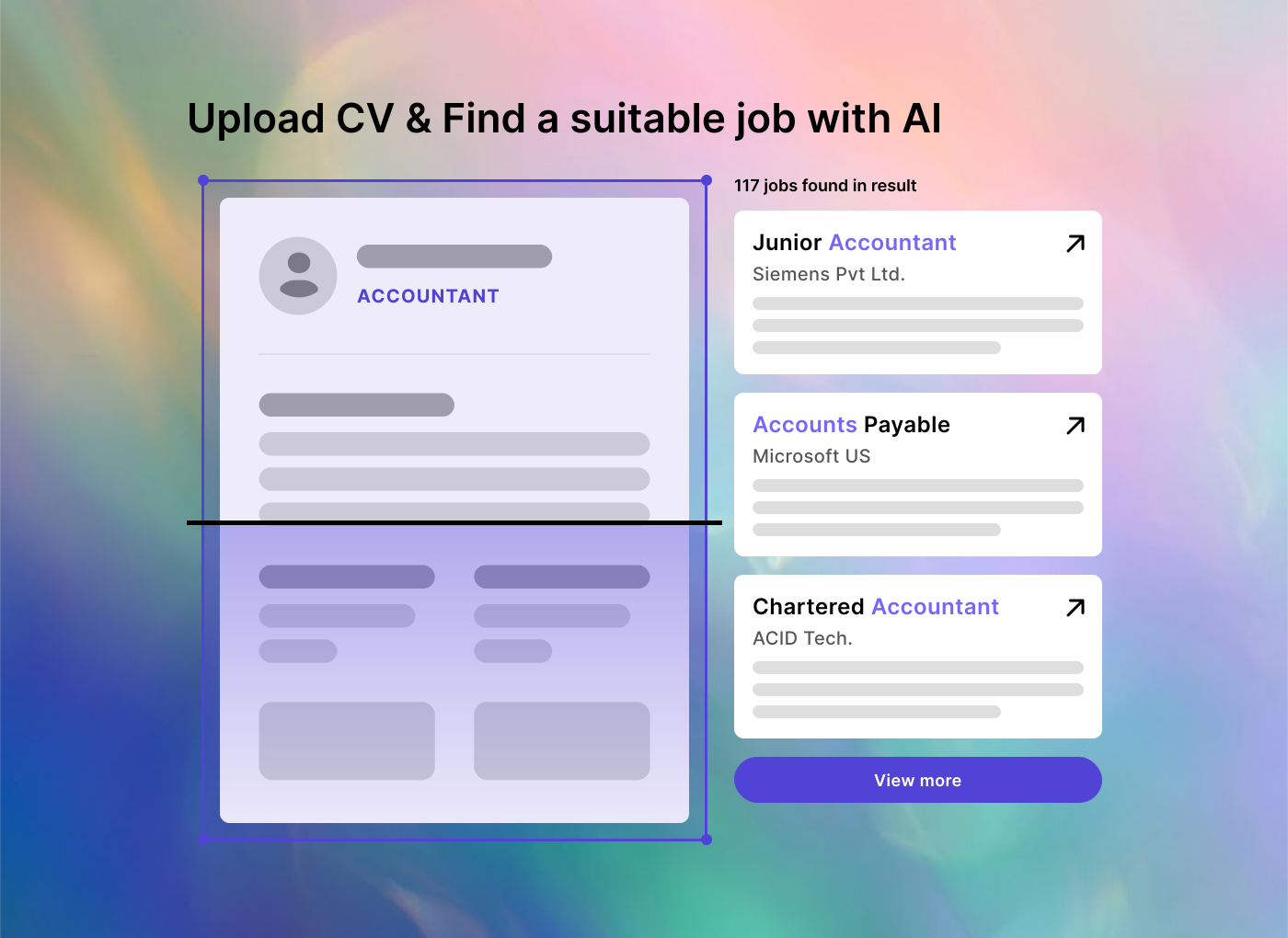
03 / APPLY WITH MORE DIRECTION
Find roles that fit.
Search current vacancies by your experience and preferred location, then open the original job post.
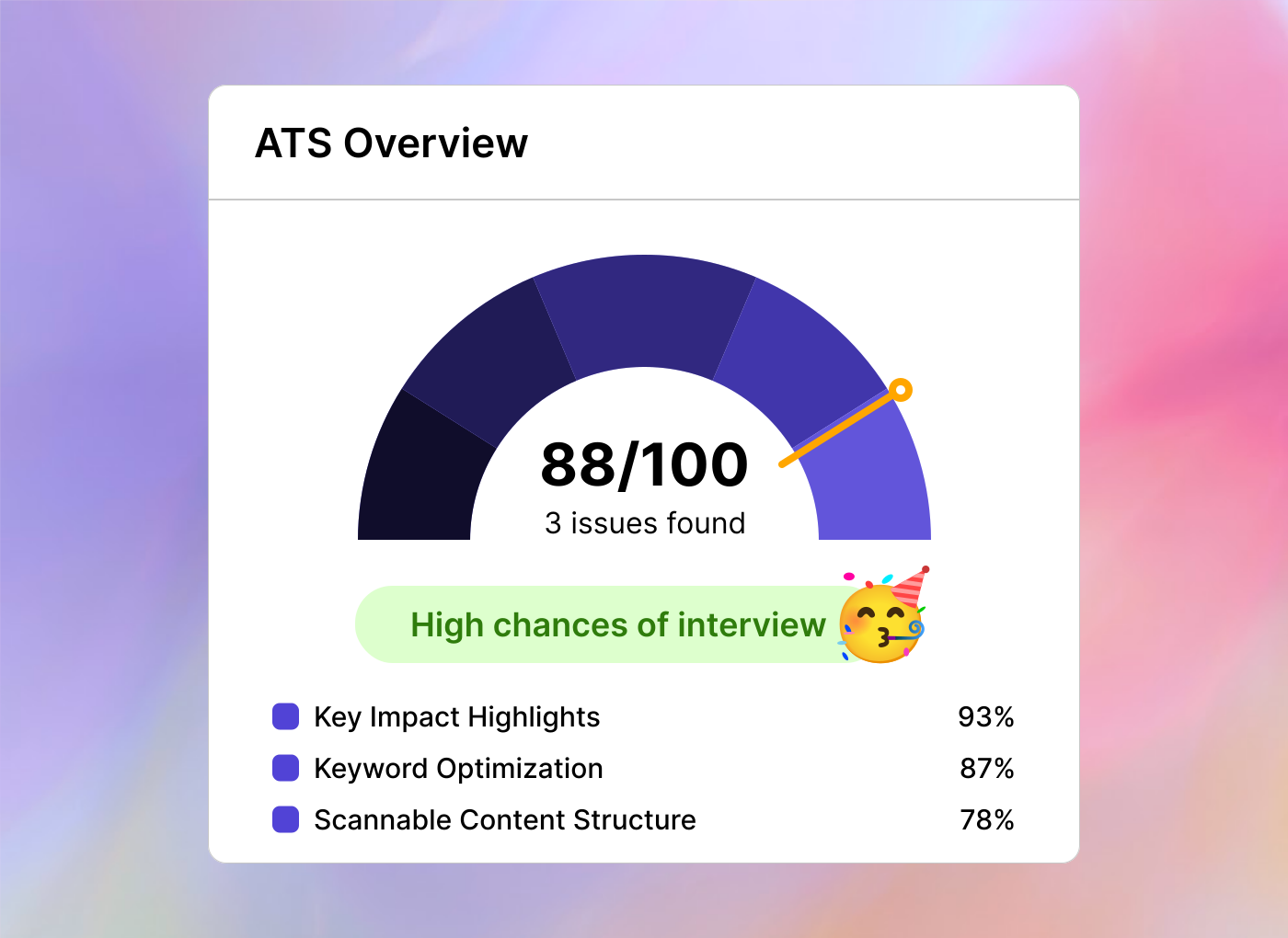
04 / MAKE EVERY DETAIL COUNT
A clearer ATS check.
Spot common content and formatting gaps, then use practical suggestions to strengthen your CV before applying.
TAKE YOUR NEXT STEP WITH DIRECTION
How to make a CV in 3 steps
Choose a layout, add your real experience and review the finished PDF. Keep an editable backup so you can tailor the next version to another vacancy.
Find my Job
- 01
Choose a template
Start from scratch or import a CV, then choose your layout.
- 02
Add your experience
Write your work history, education and skills. Check every detail.
- 03
Download your PDF
Choose A4 or US Letter, review the preview and save your CV.
GOOD ADVICE. AT EVERY NEXT STEP.
CV and job-search guides
Knowing what to write can be harder than choosing a layout. Our practical guides help you make your experience specific, relevant and easy to understand.
Explore the Magazine
Write with evidence
Turn a generic introduction into a short summary of what you actually bring.
Write a stronger summaryMake every detail count
Turn ordinary responsibilities into specific, credible achievements.
Improve your experience bulletsLET’S CLEAR A FEW THINGS UP
CV builder FAQ
Questions about building your CV
Is Best CV Tool really free?
Yes. All 20 templates and PDF downloads are free. You can create and export your CV without an account, payment card or watermark.
How do I make a CV with Best CV Tool?
Choose Create my CV, then start from scratch or import a CV. Add your experience, education and skills while checking the live preview. Pick a design, review every detail and download your finished PDF.
Can I upload my existing CV?
Yes. You can import a text-based PDF, DOCX, PPTX or TXT file, then review and correct the extracted details. An editable JSON backup restores a previous draft. Scanned documents and photos need text recognition before they can be imported.
What makes a CV ATS-friendly?
Clear headings, relevant wording and readable text help application systems interpret a CV. Our PDFs contain selectable text. A simple single-column layout is a useful starting point, but requirements differ between employers. No template is universally ATS-approved.
What does the ATS checker tell me?
It checks common content and formatting signals and suggests improvements. Its score is a guide for reviewing your CV, not an employer’s actual ATS score. It cannot change your position in an applicant list or guarantee an interview.
Can I translate my CV?
Yes. Upload a text-based PDF, choose one of the supported languages and download your translated CV with its original page layout and graphics. Text may use smaller sizing or substitute fonts to fit.
Can I change the template, colours and page size?
Yes. Use Design and the advanced settings to adjust your CV. Switch templates without rewriting, choose colours and fonts, and select A4 or US Letter. Your uploaded photo stays saved when you choose a design that hides it.
Should I send a PDF or a Word document?
Follow the employer’s instructions first. Our PDF export preserves the layout and includes selectable text. Best CV Tool does not currently export Word files; keep an editable JSON backup to continue working in this builder.
How can I tailor my CV to different jobs?
Read the vacancy carefully, prioritise relevant experience and use specific examples that match the role. Save a JSON backup for each version before adapting your draft. The browser holds one working draft at a time.
Where is my CV saved, and can I return later?
Optional autosave stores your draft in this browser on this device. Clearing browser data can remove it, so download a JSON backup for safekeeping or to move devices. If you choose session-only mode, save a backup before leaving.
Does Find a Job show live vacancies?
Yes. Add your CV profile and preferred city and country to search current vacancies. Each result opens the original job page, where you should confirm the details and closing date.
READY WHEN YOU ARE
Your next chapter
starts with your story.
Create a CV that feels like you, with a little help along the way.
Create my CV
Your next chapter starts here.